
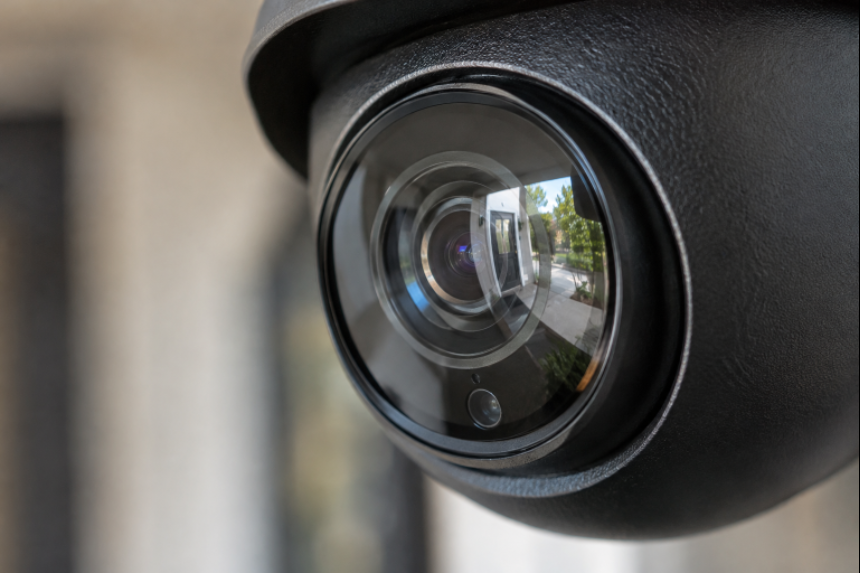
Connected security brings cameras, alarms, locks, sensors, lighting, and mobile alerts into one coordinated setup. The goal is not to fill a property with devices. It is to help people notice problems early, control access, and respond with useful information. Homeowners and business owners comparing options can begin with the practical guidance available through Usprotective.net. A single camera can record an event, but a complete plan combines visible deterrence, entry protection, account security, backup power, and clear response steps. Whether protecting a family home, a retail shop, or a small office, the strongest setup reflects the property’s real risks and the people who use it every day.
What Connected Security Looks Like
Modern connected security systems can send alerts when a door opens, display a camera feed after motion is detected, turn on exterior lighting, and allow an authorized user to manage access remotely. These features are most useful when they support a simple routine: knowing what is normal, receiving meaningful alerts, and having a plan for what to do next. Devices should add clarity, not create a stream of notifications that everyone ignores.
Start With A Simple Risk Review
Start with the property rather than a product list. Walk the exterior during daylight and after dark. Note main doors, rear entrances, accessible windows, garage doors, delivery areas, dark walkways, and locations hidden from neighbors or employees. Also identify what needs protection, such as cash, inventory, records, medicine, equipment, or private living areas. A corner shop may prioritize the front counter, stockroom, rear door, and delivery area. A two-story home may need better coverage of the garage, side gate, basement entry, and exterior lighting. The right coverage comes from these differences, not from buying the same number of devices for every property.
The Core Tools That Work Together
Video Cameras
Cameras are most effective at entrances, driveways, loading areas, cash-handling spaces, and other locations where activity needs context. Confirm that the view remains useful at night, set motion zones to avoid unnecessary alerts, and choose storage that fits the importance of the footage. Two-way audio can be useful at a door or delivery point, but it should not replace a safe response plan.
Entry Sensors, Motion Detectors, And Access Control
Door and window contacts report when an opening changes state, while motion sensors can help identify unexpected movement after hours. Smart locks and access systems can use individual codes, mobile credentials, or temporary permissions. Individual access is safer and easier to review than sharing one general code. It also makes it possible to remove a former employee, tenant, or contractor’s access without changing every lock.
Alerts And Monitoring
Self-monitoring lets the owner receive and assess alerts directly. Professional monitoring can provide another layer of response, depending on the service and local conditions. In either case, decide in advance who receives alerts, who can enter the property, when emergency services should be contacted, and how false alarms will be handled.
Smart Device Risks To Watch
Connected devices need ongoing attention because they rely on accounts, software, and networks. Change default credentials, use unique strong passwords, enable multi-factor authentication where available, and install updates promptly. The Federal Trade Commission recommends protecting camera accounts and networks, keeping software up to date, and considering a separate network for cameras and other connected devices. Protecting home security cameras is especially important when live video or stored recordings can be viewed remotely. For a small business, consider separating security devices from computers that hold financial, customer, or operational information. Keep an inventory of connected devices, including the account that controls each one, and remove devices that are no longer supported or needed.
A Home Security Checklist
- Use sturdy locks and confirm that exterior doors close and latch properly.
- Protect the garage, side doors, basement entries, and accessible windows.
- Use lighting around pathways, doors, and concealed exterior areas.
- Place cameras to show approach routes and entrances without recording private spaces unnecessarily.
- Create separate accounts for household members and trusted visitors.
- Test alerts, camera views, sensors, and batteries every month.
For example, a homeowner away for the afternoon may receive a door alert, check the camera view, and see that a package was delivered. That quick context can prevent an unnecessary call or help identify a situation that truly needs attention.
A Small Business Security Checklist
Small businesses should connect physical security to daily operations. Limit access to stockrooms, offices, server areas, and cash-handling locations. Give employees, managers, vendors, and temporary workers only the permissions they need. Review access logs regularly, especially after staffing changes. Cover customer entrances, rear doors, loading areas, and employee parking where appropriate. Set after-hours alerts that align with the actual business schedule, and maintain a written response plan for forced entry, theft, water leaks, fire alarms, and suspicious activity. Managers with multiple locations can use connected systems to review deliveries and access events without being physically present at every site.
Privacy, Data, And Account Safety
Before adding a device, ask where recordings are stored, who can view them, how long they are retained, and whether old footage can be deleted. Avoid cameras in bedrooms, bathrooms, changing areas, or other highly private spaces. Businesses should also consider applicable notice and privacy requirements before recording workers or visitors. Choose products with clear support and update practices. The NIST consumer IoT cybersecurity baseline identifies capabilities that can help buyers evaluate connected products, including secure configuration, data protection, software updates, and access management. A short business policy should state camera locations, authorized viewers, retention periods, and acceptable system use.
Planning For Power And Internet Outages
A security system should be tested under less-than-ideal conditions. Consider battery backup for the router, security hub, and other critical equipment. Ask what continues to work if the internet connection drops, including local recording, door locks, alarms, and sensor functions. Keep emergency contacts and response instructions available offline, and check backup batteries before severe weather seasons.
DIY Or Professional Installation?
DIY installation can fit a small, straightforward property when the owner is comfortable managing Wi-Fi, applications, updates, and routine testing. Professional help may be more appropriate for multi-floor properties, multiple buildings, complex camera coverage, access permissions for many users, or systems that connect with other business infrastructure. The best choice depends on layout, risk, technical comfort, and available time for maintenance.
A Monthly Security Review
Set aside a few minutes each month to test sensors, alarms, cameras, notifications, locks, and backup power. Review user accounts and remove access that is no longer needed. Install firmware and application updates, clean camera lenses, confirm that landscaping or parked vehicles have not blocked important views, and update emergency contacts. Small maintenance tasks keep a connected security plan dependable long after installation.
Conclusion
An effective connected security system is built around the property’s actual risks, not the number of devices installed. By combining cameras, alarms, access controls, and meaningful alerts with strong account security and clear response procedures, homeowners and businesses can improve protection and make more informed decisions when potential problems arise. Regular testing, software updates, privacy safeguards, and backup planning help maintain reliability over time. Whether managing a family home, retail shop, or office, a thoughtful approach to connected security can support safer daily routines and provide a flexible foundation as needs change.